Top tips for working from home during the “new normal”
As society shifts to remote working, some people may not have access to a proper home office and work in unconventional spaces. When you work in a new space, such as on the bed or behind a dining room table, you observe some effects on your body, e.g., neck stiffness, lower back pain, headache, and wrist pain. That is why it is essential to organize your work area as optimally as possible to prevent future injuries wherever you work.
Here are tips on safely adjusting to working from home and setting up an optimal semi-permanent workspace during the "new normal."
- WHEN WORKING BEHIND THE DINING ROOM TABLE: One of the most common living spaces people use as a home office is the dining room table. To optimize this space and avoid restlessness, make sure you are not leaning over your chair and that your posture is upright. Don't lean forward and move your hips back against your seat.
- WHEN WORKING ON OUTDOOR PATIO FURNITURE: Working on outdoor furniture can cause pain and injury if not done correctly. The ideal position for working on patio furniture is to push your hips back to the chair entirely and use a pillow on the lower back to support your lumbar back.
- WHEN WORKING ON THE BED:
If you have to work on a couch or bed where your body is not fully supported, it is best to do so for short periods. When sitting on a bed, the ideal posture is with your hips moved towards the wall or headboard. Your back should be supported with a pillow behind and put another cushion on your lap to energize your workstation.
TOP TIPS FOR SETTING UP A WORKPLACE AT HOME
All of the above tips help create proper space around the house for work. However, it is crucial to take the time to set up a home office to avoid fatigue properly.
Following are some tips to keep in mind while setting up a semi-permanent workspace at home:
- Sit or stand at a desk or table.
- Raise your screen or device so that the top is at eye level.
- Use a tea towel or any towel to roll it up under your wrist to avoid wrist pain.
- Use a separate mouse and keyboard to maintain elbow height.
- When sitting on your chair, make sure your hips are at the back and your back touches the end of the chair.
- While sitting, your forearms and thighs should be parallel to the floor.
- Use a chair with back support or sit on a chair. Add a thin pillow or folded blanket to adjust your height and soften the hard chairs. A small rolled-towel can also be used for lumbar support.
Remember that wherever you work - at home or in the office - ideally, you should only sit for 30 to 50 minutes before changing your posture or position. Take a few minutes to get up and walk around or do a few stretches. It can go a long way for your body.
Since not everyone has access to a home office with a convenient workstation as we enter the new normal, following the above tips can help improve health anywhere.
The Takeaway
Adjusting to a new environment, such as working from home, can be stressful physically and mentally. It would be best if you took the time to properly organize your work area to make this process easier and reduce the risk of injuries in the future.
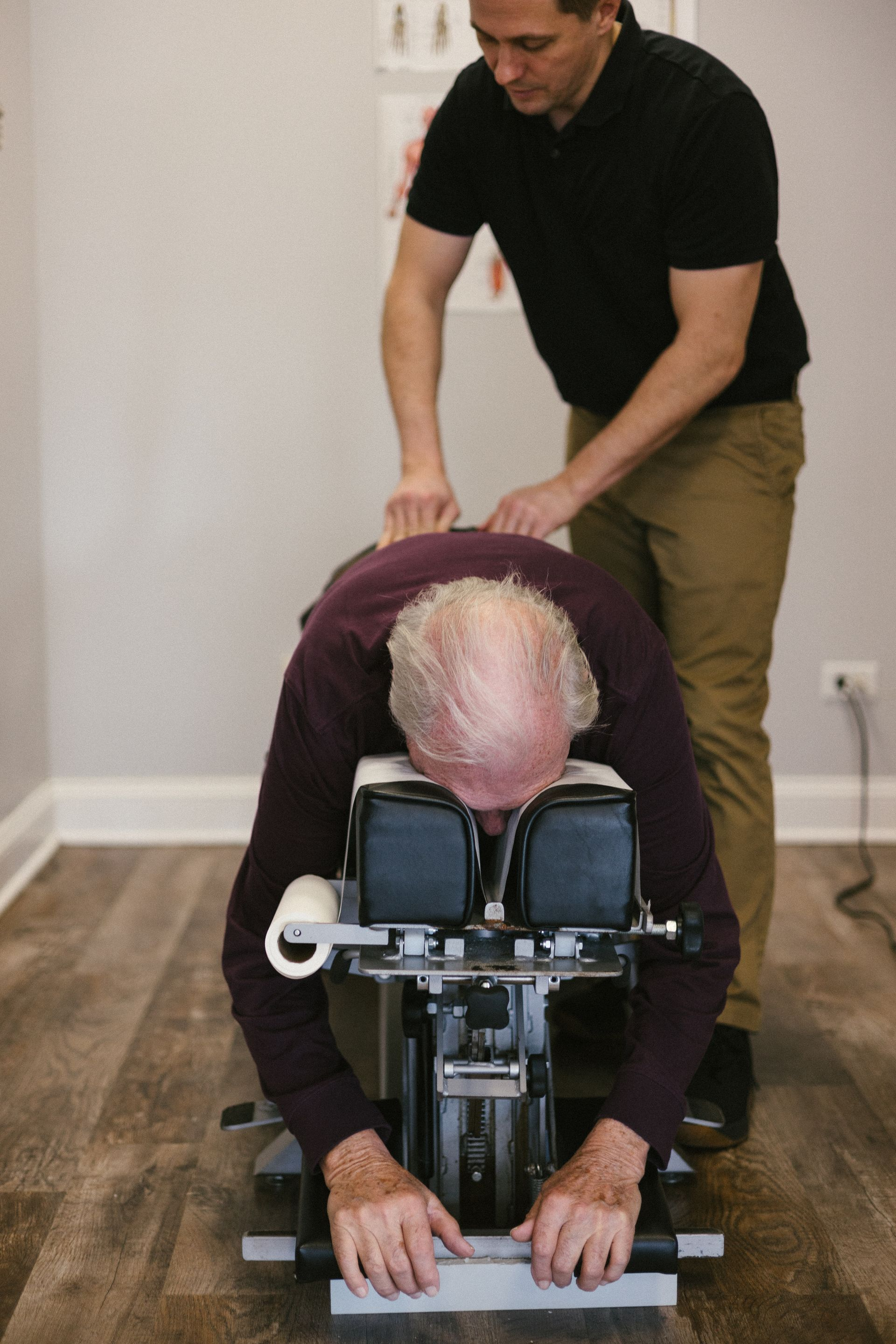
Always seek professional advice if your issues persist. Booking a virtual appointment with a chiropractor is a great starting point!
If you don’t have an amazing chiropractor
Contact us today!
Family Chiropractic Plus is dedicated to your overall health and well-being, which is why we offer regular
chiropractic adjustments in order to restore your body’s natural state of
optimal health, while also providing it with the support it needs to heal from any injury, big or small.